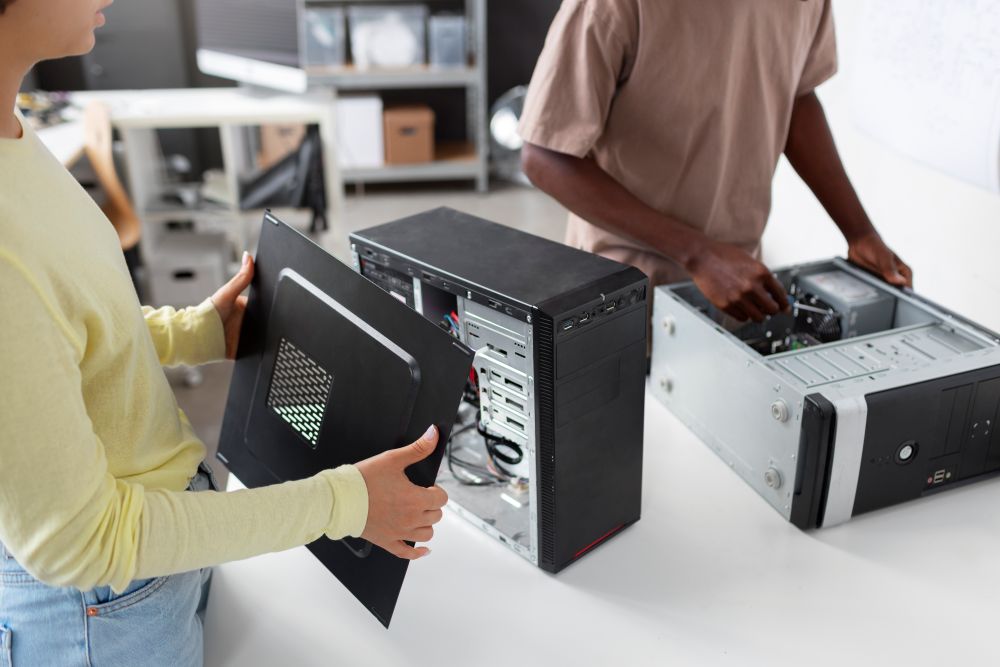
Moving your electronics and computers doesn't have to be stressful when you know the right steps. Greenville's trusted moving team recommends taking time to properly disconnect, wrap, and label all your tech gear before the big day. This post walks you through everything from organizing cables to choosing the right packing materials. You'll learn how to protect fragile components and transport your devices without damage. With a little preparation, your electronics will arrive at your new place ready to set up and use.
Properly Disconnecting Devices
Taking the time to disconnect your devices properly sets you up for a smooth move. Power off everything and unplug from the wall. Remove any CDs, DVDs, or external storage devices, and safely eject flash drives or memory cards. Label each cable and match it to its device so reassembly goes quickly. Snap a photo of your setup before unplugging. This makes reconnecting everything at your new place much easier. Bundle cables neatly with twist ties or Velcro straps to prevent tangling. Toss smaller items, such as adapters, cables, and batteries, into labeled Ziploc bags. These simple steps keep your gear organized and protected throughout the move.
Organizing Cables and Accessories
Keeping your cables and accessories organized saves you time and frustration later. Label each cable or accessory with the device it belongs to so you know exactly what goes where during setup. Use twist ties, cable organizers, or resealable bags to keep everything neat and tangle-free. For smaller accessories like chargers, mice, or keyboards, use containers or ziplock bags so nothing gets lost in the shuffle. Taking photos of your cable connections before you disconnect them gives you a handy reference when you're ready to plug everything back in. A little organization now means a quick and easy setup at your new home.
Using Quality Packing Materials
Good packing materials make a big difference in keeping your electronics safe during a move. Choose sturdy cardboard boxes designed for moving electronics; these offer better protection and support. Double-walled boxes give you extra durability for heavier items. Bubble wrap is your best friend here; wrap each electronic item individually and make sure all sides are covered. For components sensitive to static electricity, use anti-static bubble wrap to prevent damage. Investing in quality materials now protects your gear and gives you peace of mind on moving day.
Securing Fragile Components
Protecting the delicate parts inside your electronics takes a bit of extra care. Start by disconnecting all cables and accessories. Remove loose parts, such as printer cartridges, CDs, or detachable batteries, and pack them separately. Wrap fragile items like screens, circuit boards, or graphics cards in bubble wrap or anti-static packing materials. For internal parts such as hard drives or power supplies, use foam inserts or custom-fit packaging to prevent shifting during transit. Double-check that all screws, brackets, and fasteners are tight to prevent internal damage. These precautions go a long way in keeping your electronics in great shape.
Labeling Boxes Effectively
Clear labeling makes unpacking so much easier and helps you find what you need fast. Write a detailed list of contents for each box, noting the type of electronics or parts inside. Color-coded labels or stickers work great for sorting items by room or device type. Mark boxes with fragile components so movers handle them with care. Add clear instructions showing which way the box should face to avoid damage. Use waterproof, durable labels that won't smudge or tear. Good labeling keeps everything organized and protects your electronics from start to finish.
Transporting Electronics With Care
Safe transportation comes down to properly cushioning and securing your electronics. Wrap each item individually in anti-static bubble wrap to guard against static damage. Place devices in boxes with plenty of cushioning, packing peanuts, or foam inserts work well, and make sure everything fits snugly so nothing shifts around. Mark boxes as fragile and show which side should face up. Use original packaging when you have it, since it's designed specifically for your device. Load electronics onto the moving truck last and secure them in place to reduce any bumping or jostling during the ride.
Related Topics: